
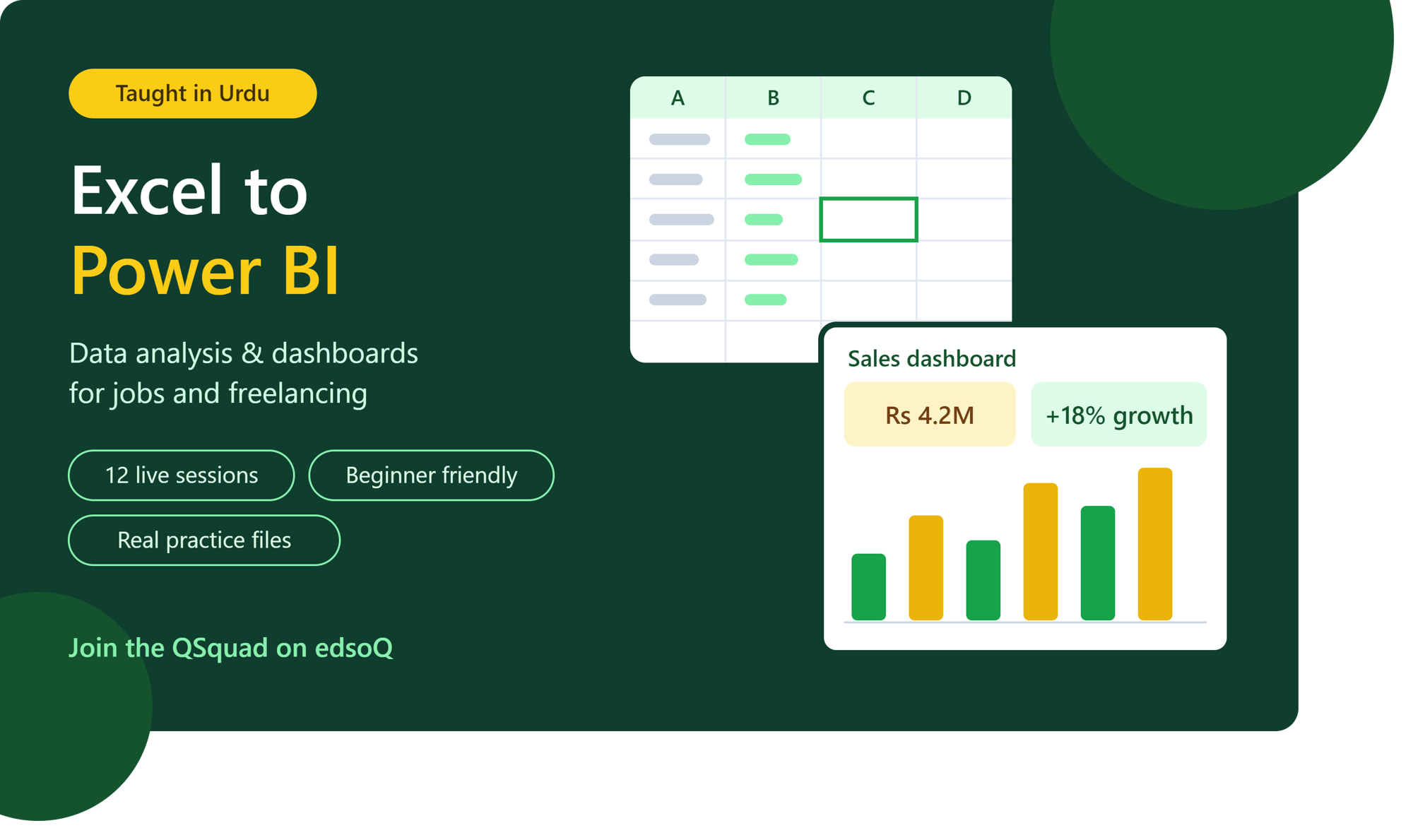
Excel to Power BI in Urdu: Data Analysis & Dashboards for Jobs and Freelancing
Learn Excel from basics to advanced and build professional Power BI dashboards, explained step by step in simple Urdu. Perfect for students, job seekers and office workers who want a skill employers actively look for.
Teacher & owner AMNA LATIF
12 sessions · 1 hour 30 minutes per session
About this QSquad
Excel and Power BI are among the most demanded skills in offices, banks, companies and freelancing. This QSquad takes you from Excel basics to building interactive Power BI dashboards, with everything explained in Urdu and practised on real-world data. What you will learn: Excel formulas and functions used daily in offices (IF, SUMIFS, VLOOKUP, XLOOKUP and more) Cleaning and organising messy data quickly Pivot tables, charts and an Excel dashboard Power BI: importing data, Power Query, data modelling and basic DAX Building an interactive Power BI dashboard from scratch How the class works: 12 live sessions, three times a week, each with hands-on practice using sample business data (sales, HR and finance). Practice files are shared in every class. We finish with a final project you can add to your CV, LinkedIn or freelancing profile. Taught by a Computer Science graduate who explains every concept step by step in simple Urdu.
Teacher
AMNA LATIFWhat you will learn
- Use Excel formulas and functions confidently for office work
- Clean, sort, filter and organise large data sets
- Use lookup functions: VLOOKUP, XLOOKUP and INDEX-MATCH
- Summarise data with pivot tables and charts
- Build a professional Excel dashboard
- Import, clean and model data in Power BI
- Create an interactive Power BI dashboard for your portfolio
Who this QSquad is for
- Job seekers who want a skill employers ask for
- BBA, B.Com, accounting, finance and CS students
- Office workers who use Excel and want to work faster
- Freelancers who want to offer data analysis and dashboard services
- Beginners who learn better when concepts are explained in Urdu
Entry requirements
- A Windows laptop or computer with internet access
- Microsoft Excel 2016 or newer
- Power BI Desktop
Prerequisites
- No prior Excel experience needed
- Basic ability to use a computer and the internet
Sessions
Starts 2026-12-02 — 2026-12-28
- Excel EssentialsInterface, data entry, formatting, and shortcuts that save time
- Formulas & Cell ReferencesBuilding formulas, relative vs absolute references ($)
- Everyday FunctionsSUM, AVERAGE, IF, COUNTIF, SUMIF, SUMIFS with office examples
- Lookup FunctionsVLOOKUP, XLOOKUP and INDEX-MATCH to find data across sheets
- Cleaning Messy DataText functions, removing duplicates, Text to Columns, data validation
- Organising DataExcel Tables, sorting, filtering and conditional formatting
- Pivot TablesSummarising large data sets in seconds
- Charts & Excel DashboardChoosing the right chart and building a one-page dashboard
- Introduction to Power BIInstalling Power BI Desktop, loading data, the Power BI interface
- Power QueryCleaning and transforming data in Power BI
- Data Modelling & DAX BasicsRelationships between tables, measures with SUM, CALCULATE, and more
- Final Project: Interactive DashboardBuild a complete sales dashboard, plus tips for your CV, LinkedIn and freelancing
Members & seat availabilityMembers & seat availabilitySigned in, you see who is in this QSquad: its teacher and members see everybody in it, and anybody else sees only adults with a public profile. Tap a face to view their profile or send a message.
It runs only if the minimum is reached when joining closes. If not, it is cancelled, nothing is charged and every hold is released.
Policies
Joining and leaving close exactly 24 hours before the scheduled start of the first session. At this cutoff, the enrolled student count is final. If minimum enrolment is reached, the total tuition value — the value per session multiplied by the number of sessions — is divided equally among enrolled students and deducted from their Q-Wallets, together with applicable additional fees, tax and optional donations. If minimum enrolment is not reached, the QSquad is cancelled automatically and all reserved funds are released.
Students who leave before the cutoff receive a full release of their reserved funds. If the QSquad is cancelled because minimum enrolment is not reached, no payment is collected. After the cutoff, students cannot leave through the normal enrolment process. Teacher or platform cancellations trigger refunds for undelivered sessions and any refundable associated fees.
Common questions
- How long is each session?
- 1 hour 30 minutes. Every session in this QSquad has that length, set when it was created, and it does not change once anyone has joined.
- What will I pay in total?
- The whole group pays 100 Creds per session across 12 sessions, 1,200 Creds in all, shared equally by the students enrolled when joining closes: from 120 Creds each if every seat is taken, to at most 240 Creds each at the minimum of 5. Your share can only go down as more people join. Any tax and optional extras are shown before you confirm.
- What happens if the minimum enrolment is not reached?
- This QSquad needs 5 students. If the minimum is not reached when joining closes, the QSquad is cancelled, nothing is charged and your hold is released.
- Can more students be added later?
- No. Capacity is fixed at 10 and does not change once anyone has joined.
Capacity, schedule & pricing
- QSquad value per session
- 100 Creds
- Total QSquad valueTotal QSquad valueValue per session × 12 sessions, shared equally by the students enrolled at the cutoff.
- 1,200 Creds
- Your estimated tuitionYour estimated tuitionIf it runs with the 0 enrolled now (or the minimum, if fewer).
- 240 Creds
- Most you can payMost you can payThe share at the minimum enrolment of 5; fewer cancels it and charges nothing.
- 240 Creds
Joining closes inJoining closes inJoining and leaving are unavailable after this.13d 1h 44m
Tuition by number of students
| Students | Tuition each |
|---|---|
| 1 | Does not meet minimum enrolment |
| 2 | Does not meet minimum enrolment |
| 3 | Does not meet minimum enrolment |
| 4 | Does not meet minimum enrolment |
| 5 | 240 Creds |
| 6 | 200 Creds |
| 7 | 172 Creds |
| 8 | 150 Creds |
| 9 | 134 Creds |
| 10 | 120 Creds |
Plus 5% tax on tuition and fees, added when you join.
It runs only if the minimum is reached when joining closes. If not, it is cancelled, nothing is charged and every hold is released.
Your seat is held once you join. If the minimum is not reached when joining closes, the QSquad is cancelled, nothing is charged and your hold is released.