
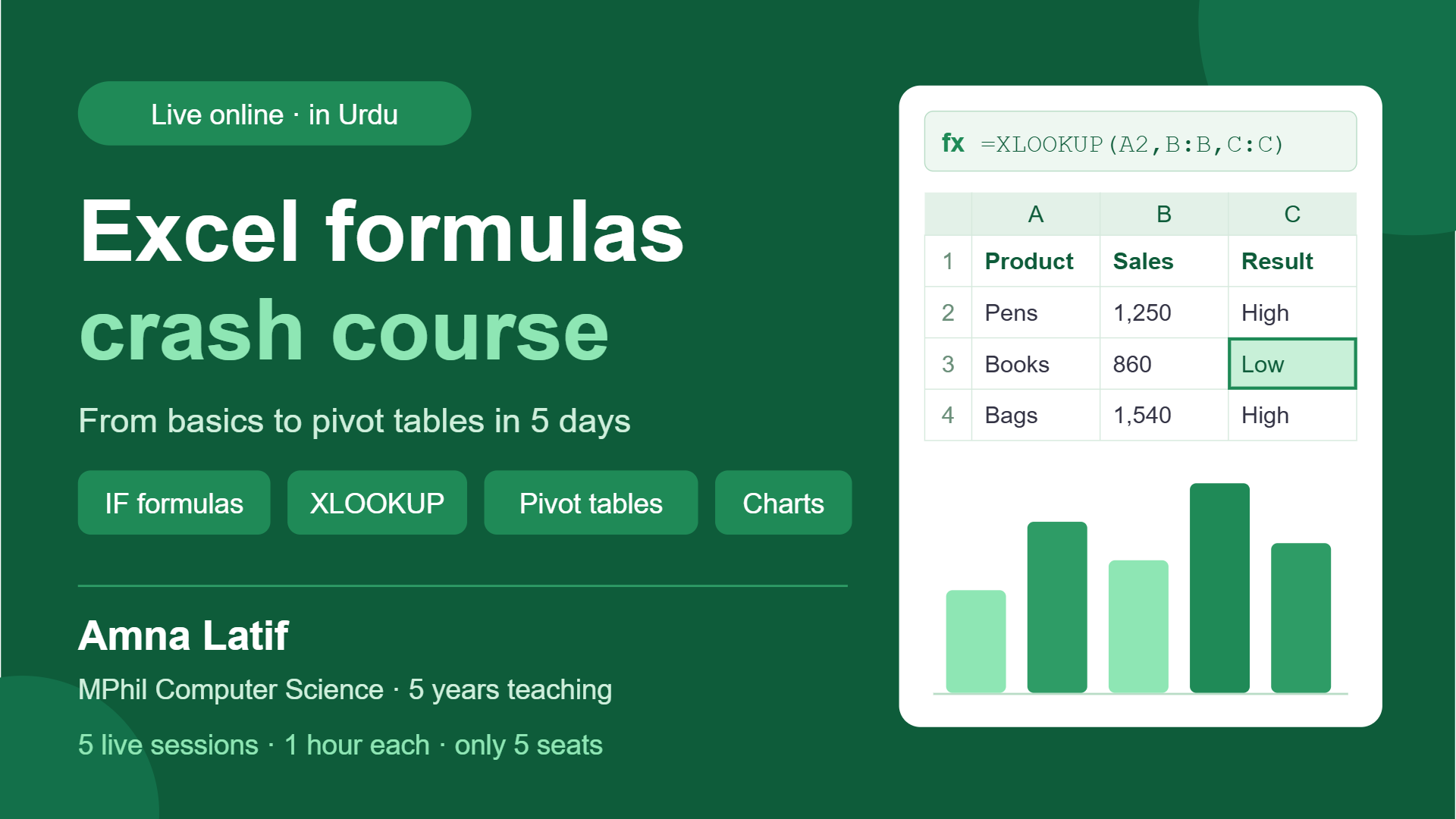
Excel Formulas Crash Course in Urdu: From Basics to Pivot Tables in 5 Days
Learn the Excel formulas every office job and freelancing client needs: IF, VLOOKUP/XLOOKUP, Pivot Tables and charts, in 5 hands-on sessions taught in easy Urdu.
Teacher & owner AMNA LATIF
5 sessions · 1 hour per session
About this QSquad
Excel is the most requested skill in office jobs and freelancing, but most people only use it for typing data. In this 5-session hands-on course, you’ll learn the formulas and tools that professionals actually use every day: lookups, IF logic, data cleaning, pivot tables and charts. Every session is practical: I demonstrate, you practise on real data, and I check your work. You’ll get practice files to keep. Taught in easy Urdu by an MPhil Computer Science lecturer with 5 years of teaching experience.
Teacher
AMNA LATIFWhat you will learn
- Use essential formulas confidently: SUM, AVERAGE, COUNTIF, SUMIF, IF, AND/OR
- Find and match data across sheets with VLOOKUP and XLOOKUP
- Clean messy data with TRIM, Text-to-Columns, Remove Duplicates, and sorting/filtering
- Summarise large data in seconds with Pivot Tables
- Create clear, professional charts for reports
- Build a complete mini-report from raw data on your own
Who this QSquad is for
- College and university students
- Fresh graduates and job seekers preparing for office roles
- Freelancers who want to offer data entry or Excel services
- Office workers who want to work faster in Excel
Entry requirements
- A laptop or PC with Microsoft Excel (2016 or newer) or Office 365. Excel on mobile is not enough.
- A stable internet connection and a mic
- Ability to share your screen (helpful for getting feedback)
Prerequisites
- Basic computer use (opening files, typing). No prior Excel experience is needed.
Sessions
Starts 2026-12-01 — 2026-12-05
- Excel foundations & core formulasCell references (relative/absolute $), SUM, AVERAGE, MIN/MAX, COUNT. Build a monthly expense sheet.
- Logic & conditional formulasIF, nested IF, AND/OR, COUNTIF, SUMIF. Build a student result sheet with automatic Pass/Fail and grades.
- Lookups: VLOOKUP & XLOOKUPMatch data across two sheets (e.g., product prices, employee records). Handle errors with IFERROR.
- Data cleaning & Pivot TablesClean a messy sales dataset, then summarise it with Pivot Tables by month, region and product.
- Charts & final mini-projectCreate professional charts, then build a full sales report from raw data. Review and Q&A, plus next steps into Power BI.
Members & seat availabilityMembers & seat availabilitySigned in, you see who is in this QSquad: its teacher and members see everybody in it, and anybody else sees only adults with a public profile. Tap a face to view their profile or send a message.
It runs only if the minimum is reached when joining closes. If not, it is cancelled, nothing is charged and every hold is released.
Policies
Joining and leaving close exactly 24 hours before the scheduled start of the first session. At this cutoff, the enrolled student count is final. If minimum enrolment is reached, the total tuition value — the value per session multiplied by the number of sessions — is divided equally among enrolled students and deducted from their Q-Wallets, together with applicable additional fees, tax and optional donations. If minimum enrolment is not reached, the QSquad is cancelled automatically and all reserved funds are released.
Students who leave before the cutoff receive a full release of their reserved funds. If the QSquad is cancelled because minimum enrolment is not reached, no payment is collected. After the cutoff, students cannot leave through the normal enrolment process. Teacher or platform cancellations trigger refunds for undelivered sessions and any refundable associated fees.
Common questions
- How long is each session?
- 1 hour. Every session in this QSquad has that length, set when it was created, and it does not change once anyone has joined.
- What will I pay in total?
- The whole group pays 100 Creds per session across 5 sessions, 500 Creds in all, shared equally by the students enrolled when joining closes: from 100 Creds each if every seat is taken, to at most 167 Creds each at the minimum of 3. Your share can only go down as more people join. Any tax and optional extras are shown before you confirm.
- What happens if the minimum enrolment is not reached?
- This QSquad needs 3 students. If the minimum is not reached when joining closes, the QSquad is cancelled, nothing is charged and your hold is released.
- Can more students be added later?
- No. Capacity is fixed at 5 and does not change once anyone has joined.
Capacity, schedule & pricing
- QSquad value per session
- 100 Creds
- Total QSquad valueTotal QSquad valueValue per session × 5 sessions, shared equally by the students enrolled at the cutoff.
- 500 Creds
- Your estimated tuitionYour estimated tuitionIf it runs with the 0 enrolled now (or the minimum, if fewer).
- 167 Creds
- Most you can payMost you can payThe share at the minimum enrolment of 3; fewer cancels it and charges nothing.
- 167 Creds
Joining closes inJoining closes inJoining and leaving are unavailable after this.10d 12h 9m
Tuition by number of students
| Students | Tuition each |
|---|---|
| 1 | Does not meet minimum enrolment |
| 2 | Does not meet minimum enrolment |
| 3 | 167 Creds |
| 4 | 125 Creds |
| 5 | 100 Creds |
Plus 5% tax on tuition and fees, added when you join.
It runs only if the minimum is reached when joining closes. If not, it is cancelled, nothing is charged and every hold is released.
Your seat is held once you join. If the minimum is not reached when joining closes, the QSquad is cancelled, nothing is charged and your hold is released.