
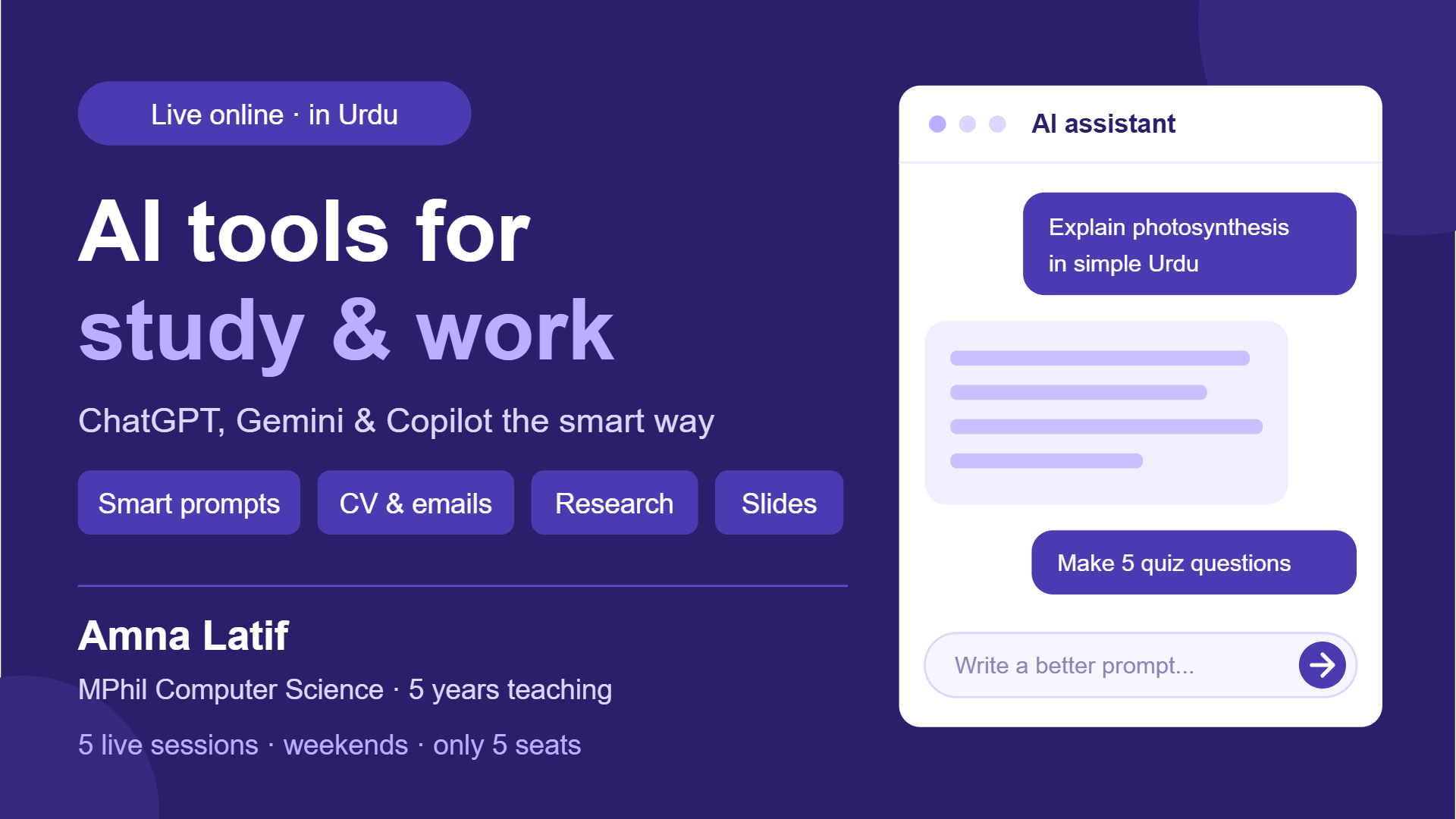
AI Tools in Urdu: ChatGPT, Gemini & Copilot for Study, Jobs and Work (5 Sessions)
Learn to use ChatGPT, Gemini and Copilot the smart way for studying, CVs, emails, presentations and daily work, in 5 practical sessions taught in easy Urdu.
Teacher & owner AMNA LATIF
5 sessions · 1 hour per session
About this QSquad
AI tools are now part of every classroom and office, but most people only ask them simple questions and get average answers. In this hands-on course, you’ll learn how to write prompts that give excellent results, and how to use AI to study faster, write professional CVs and emails, create presentations and save hours of work every week. You’ll also learn to use AI responsibly: checking facts, protecting your privacy, and avoiding plagiarism. Every session is practical, and you’ll work on your own real tasks. All tools used have free versions. Taught in easy Urdu by an MPhil Computer Science lecturer with 5 years of teaching experience.
Teacher
AMNA LATIFWhat you will learn
- Write clear prompts that get accurate, useful answers from any AI tool
- Use AI to understand difficult topics, summarise notes and make practice quizzes
- Research with AI and check facts and sources properly
- Write a professional CV, cover letter and emails with AI help
- Create presentation outlines and slides quickly using AI
- Use AI ethically: avoid plagiarism, protect personal data and know AI’s limits
Who this QSquad is for
- School (Grade 9–10), college and university students
- Fresh graduates and job seekers
- Teachers and office workers who want to save time
- Freelancers who want to work faster
Entry requirements
- A laptop or PC is recommended (a smartphone works for most activities)
- A free Google account, plus a free ChatGPT account (you’ll be guided in session 1)
- A stable internet connection and a mic
Prerequisites
- Basic internet use. No technical or coding knowledge is needed.
Sessions
Starts 2026-12-01 — 2026-12-05
- How AI works & writing powerful promptsSet up ChatGPT and Gemini, learn what AI can and can’t do, and practise the prompt formula: role + task + context + format. Compare weak and strong prompts.
- AI for studying & researchExplain hard topics in simple Urdu/English, summarise notes and PDFs, create flashcards and quizzes, research with sources, and fact-check AI answers.
- AI for CVs, cover letters & emailsBuild or improve your own CV, write a cover letter for a real job post, draft professional emails, and improve your LinkedIn profile.
- AI for presentations & visualsCreate a presentation outline, generate slides with Copilot, Gemini or Canva AI, and make simple images and visuals for assignments or work.
- Productivity, ethics & final projectUse AI for planning, Excel formulas and daily tasks, then cover plagiarism, privacy and responsible use. Final project: complete one real task of your choice with AI, then review and Q&A.
Members & seat availabilityMembers & seat availabilitySigned in, you see who is in this QSquad: its teacher and members see everybody in it, and anybody else sees only adults with a public profile. Tap a face to view their profile or send a message.
It runs only if the minimum is reached when joining closes. If not, it is cancelled, nothing is charged and every hold is released.
Policies
Joining and leaving close exactly 24 hours before the scheduled start of the first session. At this cutoff, the enrolled student count is final. If minimum enrolment is reached, the total tuition value — the value per session multiplied by the number of sessions — is divided equally among enrolled students and deducted from their Q-Wallets, together with applicable additional fees, tax and optional donations. If minimum enrolment is not reached, the QSquad is cancelled automatically and all reserved funds are released.
Students who leave before the cutoff receive a full release of their reserved funds. If the QSquad is cancelled because minimum enrolment is not reached, no payment is collected. After the cutoff, students cannot leave through the normal enrolment process. Teacher or platform cancellations trigger refunds for undelivered sessions and any refundable associated fees.
Common questions
- How long is each session?
- 1 hour. Every session in this QSquad has that length, set when it was created, and it does not change once anyone has joined.
- What will I pay in total?
- The whole group pays 100 Creds per session across 5 sessions, 500 Creds in all, shared equally by the students enrolled when joining closes: from 100 Creds each if every seat is taken, to at most 250 Creds each at the minimum of 2. Your share can only go down as more people join. Any tax and optional extras are shown before you confirm.
- What happens if the minimum enrolment is not reached?
- This QSquad needs 2 students. If the minimum is not reached when joining closes, the QSquad is cancelled, nothing is charged and your hold is released.
- Can more students be added later?
- No. Capacity is fixed at 5 and does not change once anyone has joined.
Capacity, schedule & pricing
- QSquad value per session
- 100 Creds
- Total QSquad valueTotal QSquad valueValue per session × 5 sessions, shared equally by the students enrolled at the cutoff.
- 500 Creds
- Your estimated tuitionYour estimated tuitionIf it runs with the 0 enrolled now (or the minimum, if fewer).
- 250 Creds
- Most you can payMost you can payThe share at the minimum enrolment of 2; fewer cancels it and charges nothing.
- 250 Creds
Joining closes inJoining closes inJoining and leaving are unavailable after this.10d 14h 9m
Tuition by number of students
| Students | Tuition each |
|---|---|
| 1 | Does not meet minimum enrolment |
| 2 | 250 Creds |
| 3 | 167 Creds |
| 4 | 125 Creds |
| 5 | 100 Creds |
Plus 5% tax on tuition and fees, added when you join.
It runs only if the minimum is reached when joining closes. If not, it is cancelled, nothing is charged and every hold is released.
Your seat is held once you join. If the minimum is not reached when joining closes, the QSquad is cancelled, nothing is charged and your hold is released.